Flexible Budget in Excel: Build a Sheet That Adapts
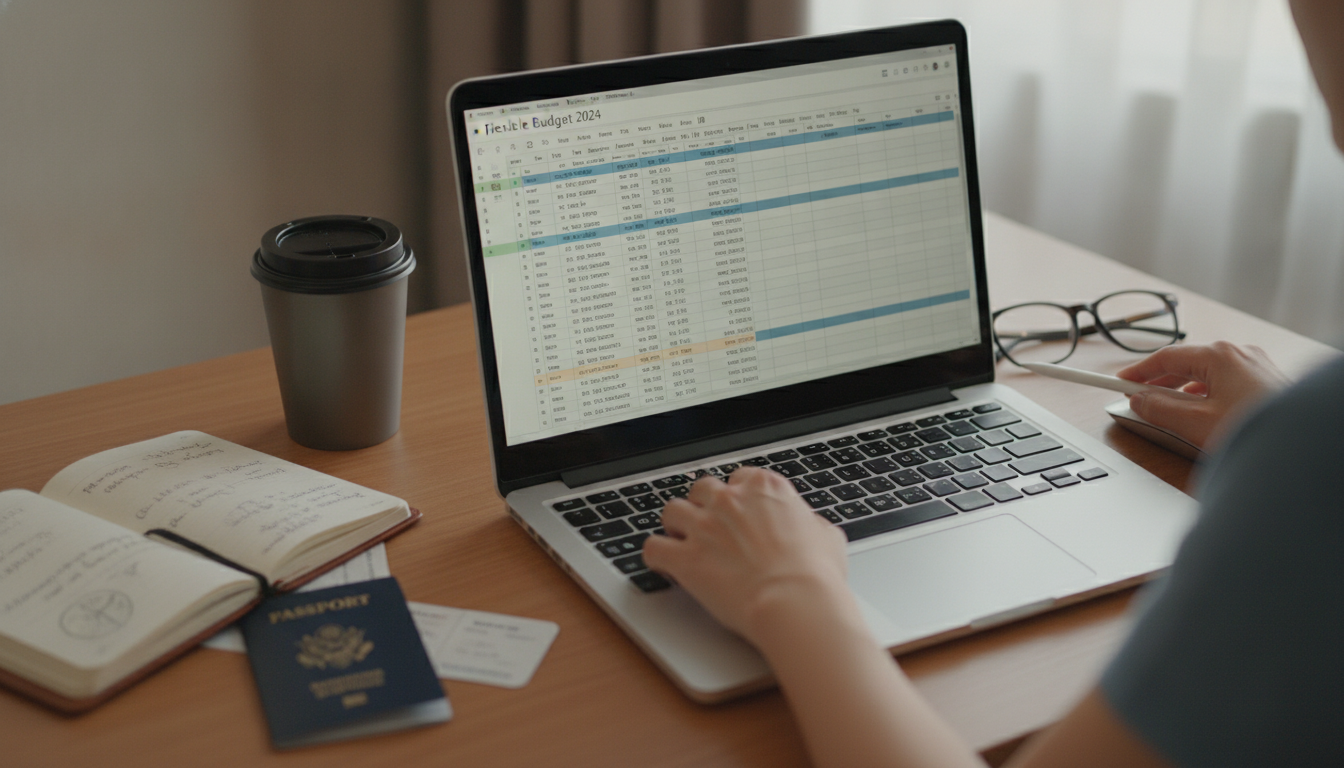
How to create a flexible budget in Excel?
A flexible budget in Excel adjusts with your real income and spending, so your plan stays useful even when paychecks or bills change. Instead of locking in one fixed number, you set targets that scale and then compare them to actuals as the month unfolds.
1) Set up your worksheet structure
Create columns for Category, Budget % (or rate), Planned (Flex), Actual, and Variance. List your core categories (housing, utilities, groceries, transportation, debt, savings, and discretionary). Add a final row for totals.
2) Choose what drives the “flex”
Pick a single input cell for Monthly Net Income. This becomes your driver. For categories that scale (like savings, discretionary, or groceries), assign a percentage. For categories that don’t easily scale (like rent), keep them as fixed amounts.
3) Build formulas that auto-adjust
For percentage-based categories, set Planned (Flex) to equal Income × Budget %. For fixed categories, enter the fixed dollar value directly. Your totals should sum all planned amounts, and the remaining dollars (Income minus fixed essentials) can be allocated across flexible categories if you prefer a “leftover-first” approach.
4) Track actual spending and calculate variance
In the Actual column, enter what you spent (or link from a transactions tab). In Variance, subtract Planned from Actual. A positive variance means you overspent; a negative variance means you came in under plan.
5) Add quick controls for clarity
Use conditional formatting to flag overspending, and add a simple dropdown for month selection if you keep separate tabs. Keep one “Inputs” area (income, pay frequency, savings goal) so updates take seconds.
For a ready-to-follow walkthrough and a budgeting toolkit that makes setup faster, visit this Excel budgeting guide.
FAQ
What’s the difference between a fixed budget and a flexible budget?
A fixed budget uses the same planned numbers regardless of income or activity changes, while a flexible budget recalculates targets based on a driver like monthly net income. Flexible budgets are often easier to maintain when your pay or expenses fluctuate.












Leave a comment